
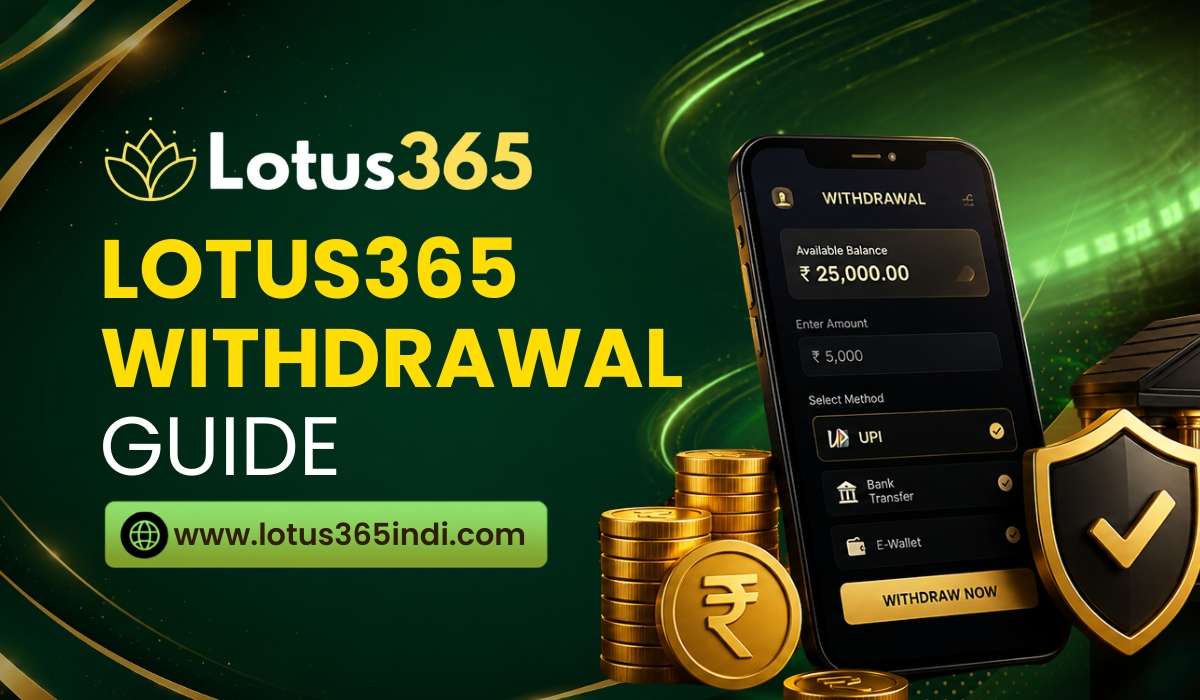
Lotus365 Withdrawal Guide: How to Withdraw Your Winnings Safely

Lotus365 Withdrawal Guide

Getting your money out of your Lotus365 account is just as important as placing a bet. Whether you have won on sports or casino games, understanding the withdrawal process ensures you get your funds without unnecessary delays.

This guide explains exactly how to request a withdrawal, how long it takes, and what to do if your request is delayed or rejected.

Before You Request a Withdrawal

Taking a few minutes to prepare before withdrawing can save you a lot of time. Ensure you have completed these steps:

  • Verify Your Account (KYC): Account verification is mandatory for withdrawals. If you have not submitted your ID and address proof, your request will be rejected.
  • Check Your Available Balance: Make sure you have enough funds. Remember, money tied up in active bets or unsettled wagers cannot be withdrawn until the event is over.
  • Confirm Your Method: You are generally required to withdraw using the same payment method you used to deposit (e.g., if you deposited via UPI, you must withdraw to UPI).

Step-by-Step Withdrawal Process

Once your account is verified and you have available funds, follow these steps:

Step 1: Log In

Go to the official Lotus365 website and log in to your account dashboard.

Step 2: Open the Withdrawal Section

Click on “Withdraw,” “Cash Out,” or “Wallet” located in your account menu.

Step 3: Choose Your Payment Method

Select from the available options (usually UPI, Net Banking, or Bank Transfer).

Step 4: Enter the Amount

Type in the amount you want to withdraw. Ensure it meets the minimum and maximum limit requirements shown on the screen.

Step 5: Enter Your Payment Details

  • For UPI: Enter your active UPI ID.
  • For Bank Transfer/Net Banking: Enter your account number, IFSC code, and account holder name exactly as they appear in your bank.

Step 6: Submit and Save Your Reference Number

Click submit. You will receive a transaction reference number—save this for your records.

Step 7: Wait for Processing

Your request will enter a processing queue. You will be notified once the funds are transferred.

Withdrawal Processing Times

Processing times depend entirely on the payment method you choose:

    • UPI & Paytm: 24 to 48 hours (Fastest option)
    • Net Banking: 24 to 72 hours
    • Bank Transfer: 24 to 72 hours

Note: These are estimated times and can vary based on bank processing speeds or platform workload.

Why Withdrawals Get Delayed or Rejected

Most withdrawal issues are caused by avoidable mistakes. Here are the most common reasons:

  • Account Not Verified: This is the number one reason for rejected withdrawals. Complete your KYC immediately.
  • Incorrect Payment Details: A single wrong digit in your UPI ID, account number, or IFSC code will cause the transfer to fail or bounce back.
  • Method Mismatch: Trying to withdraw to a bank account when you deposited using UPI.
  • Insufficient Balance: Trying to withdraw more than your available (unlocked) balance.

Security Tips for Withdrawals

  • Double-Check Details: Always verify your account number and UPI ID before hitting submit.
  • Keep Details Private: Never share your transaction reference numbers, bank details, or OTPs with anyone.
  • Beware of Scams: Official support will never ask for your password, UPI PIN, or OTP to process a withdrawal. If someone asks for these, it is a scam.
  • Use Official Channels: Only request withdrawals through the official Lotus365 website.

How to Track Your Withdrawal

You can check the status of your withdrawal in your account history. Common statuses include:

  • Pending: Your request is in the queue.
  • Processing: The platform is verifying details and sending the funds.
  • Completed: The money has been sent to your bank/UPI app.
  • Rejected: The request failed (check your notifications for the specific reason).

Frequently Asked Questions

What is the minimum withdrawal amount?

It varies by method, but it is typically between ₹500 and ₹1,000. Check your withdrawal page for exact limits.

How long does a withdrawal take?

UPI and Paytm usually take 24 to 48 hours. Net Banking and Bank Transfers can take up to 72 hours.

Can I withdraw to a different method than I deposited?

No. Platforms generally require you to withdraw using the exact same payment method you used to deposit.

Why was my withdrawal rejected?

It was likely rejected because your KYC is incomplete, your payment details were wrong, or you tried to withdraw locked bet funds.

Is there a fee for withdrawing?

Fee structures vary. Check the platform’s official policy in the withdrawal section to see if charges apply.

What should I do if my withdrawal is delayed?

Wait the full 72 hours. If the money still hasn’t arrived, contact customer support with your User ID and withdrawal reference number.

Can I cancel a withdrawal request?

Once submitted, a withdrawal usually cannot be canceled. If you made a mistake, contact support immediately.

Final Thoughts

Withdrawing from Lotus365 is a simple process as long as your account is verified and your payment details are correct. By completing your KYC early and double-checking your UPI or bank details before submitting, you can ensure your winnings reach your bank account smoothly.